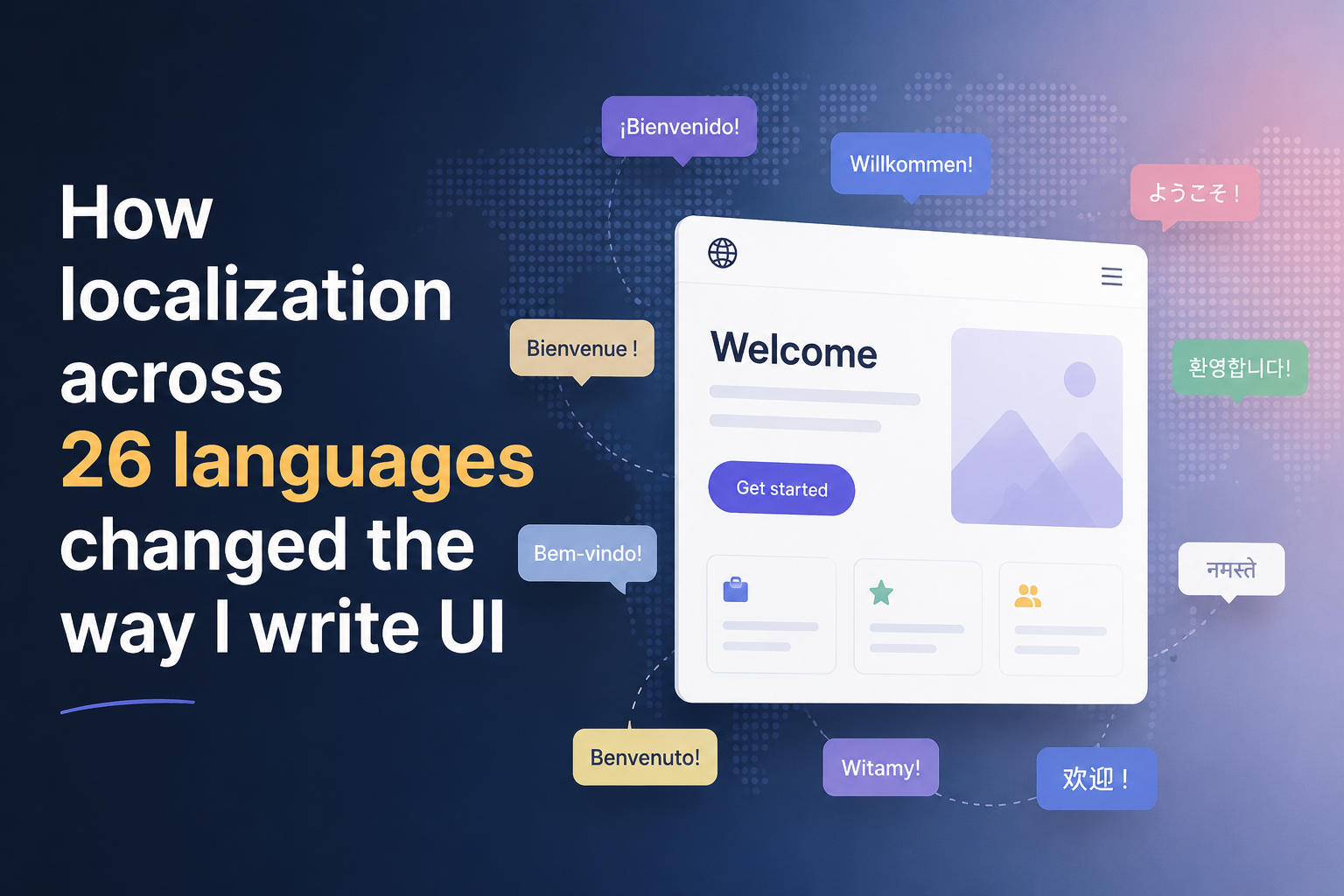
How localization across 26 languages changed the way I write UI
For a long time, I treated localization as something you add near the end of a feature.
Build the page.
Get everything approved.
Then replace hardcoded strings with translation keys.
Done.
Or at least, that's what I thought.
Working on products available in 26 languages changed that mindset completely.
The first thing that breaks isn't the code
It's the assumptions.
Buttons that looked perfect in English suddenly overflow in German.
Single-line labels become two lines in French.
Text that comfortably fits inside a card stretches the layout in Finnish.
And sometimes the translation isn't wrong.
The design is.
English is an unrealistic happy path
When you're only testing in English, everything feels predictable.
You know how long the strings are.
You know where line breaks happen.
You know which labels fit inside buttons.
But users don't experience your product in English.
They experience it in their own language.
That means a component isn't truly finished until it survives longer words, different sentence structures, and unexpected text lengths.
Fixed heights became suspicious
One of the biggest changes in the way I write UI is that I no longer trust fixed dimensions.
I became much more careful with:
- Fixed heights
- Single-line assumptions
- Hardcoded widths
- Pixel-perfect spacing
Instead, I try to let content breathe.
Flexible layouts usually age better than perfectly aligned ones.
Truncation isn't always the answer
At first, my instinct was simple:
Just truncate everything.
But truncation hides information.
And sometimes the most important part of a sentence is exactly what gets cut off.
I've learned that a component should answer two questions:
- Can it gracefully adapt to longer content?
- If it cannot, does the user still understand what's missing?
Those are different problems.
Localization affects more than text
Translations taught me to think beyond strings.
Dates, numbers, currencies, and even expectations differ between regions.
A good UI doesn't just speak multiple languages.
It respects multiple ways of understanding information.
Practical takeaway
Localization isn't a final step.
It's a design constraint.
And constraints often make software better.
Because once your UI survives 26 languages, it usually survives everything else too.